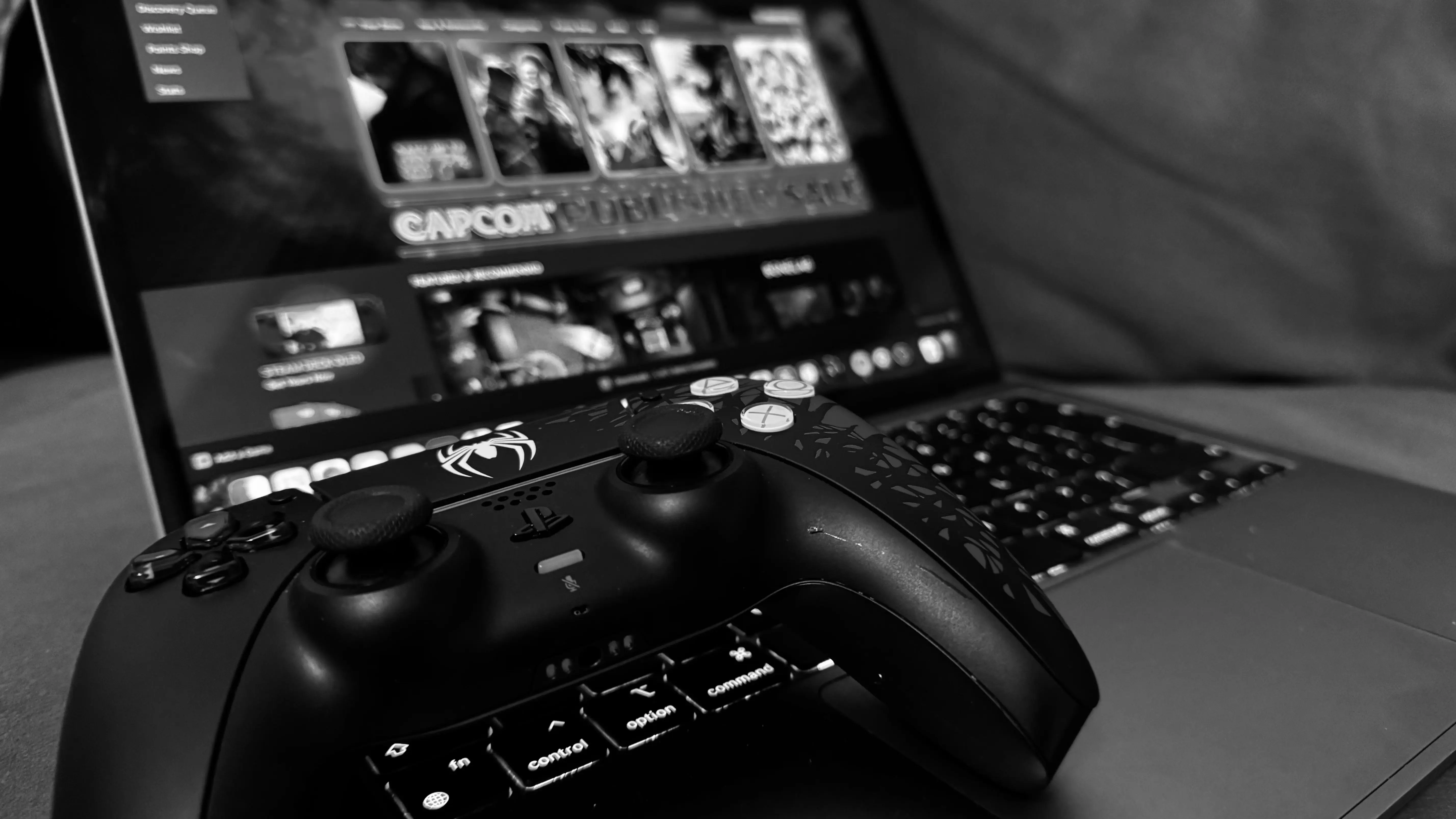
Gaming on a Mac has come a long way, and having the right controller can make all the difference. Whether you’re a casual gamer or a hardcore enthusiast, a game controller can enhance your gaming experience by providing better control and comfort. In this article, we’ll explore some of the best Mac game controllers available today, considering factors like compatibility, comfort, and functionality.
A keyboard and mouse might be the standard input devices for computers, but they aren’t always the best option for gaming. A game controller offers a more intuitive and ergonomic way to play many types of games, from platformers to racing games. Here are some reasons why you might want to invest in a game controller for your Mac:
- Comfort: Controllers are designed to fit comfortably in your hands, reducing strain during long gaming sessions.
- Precision: Analog sticks and triggers provide more precise control than a keyboard and mouse in many games.
- Compatibility: Many modern controllers are compatible with both Macs and other devices, making them versatile investments.
The SteelSeries Nimbus+ is a top choice for Mac gamers due to its impressive build quality and Apple-certified compatibility. It features a sleek design, responsive buttons, and an impressive battery life of up to 50 hours. The Nimbus+ connects wirelessly via Bluetooth, making it a great option for those who prefer a cable-free setup.
- Pros: Long battery life, Apple-certified, comfortable design.
- Cons: Premium price.
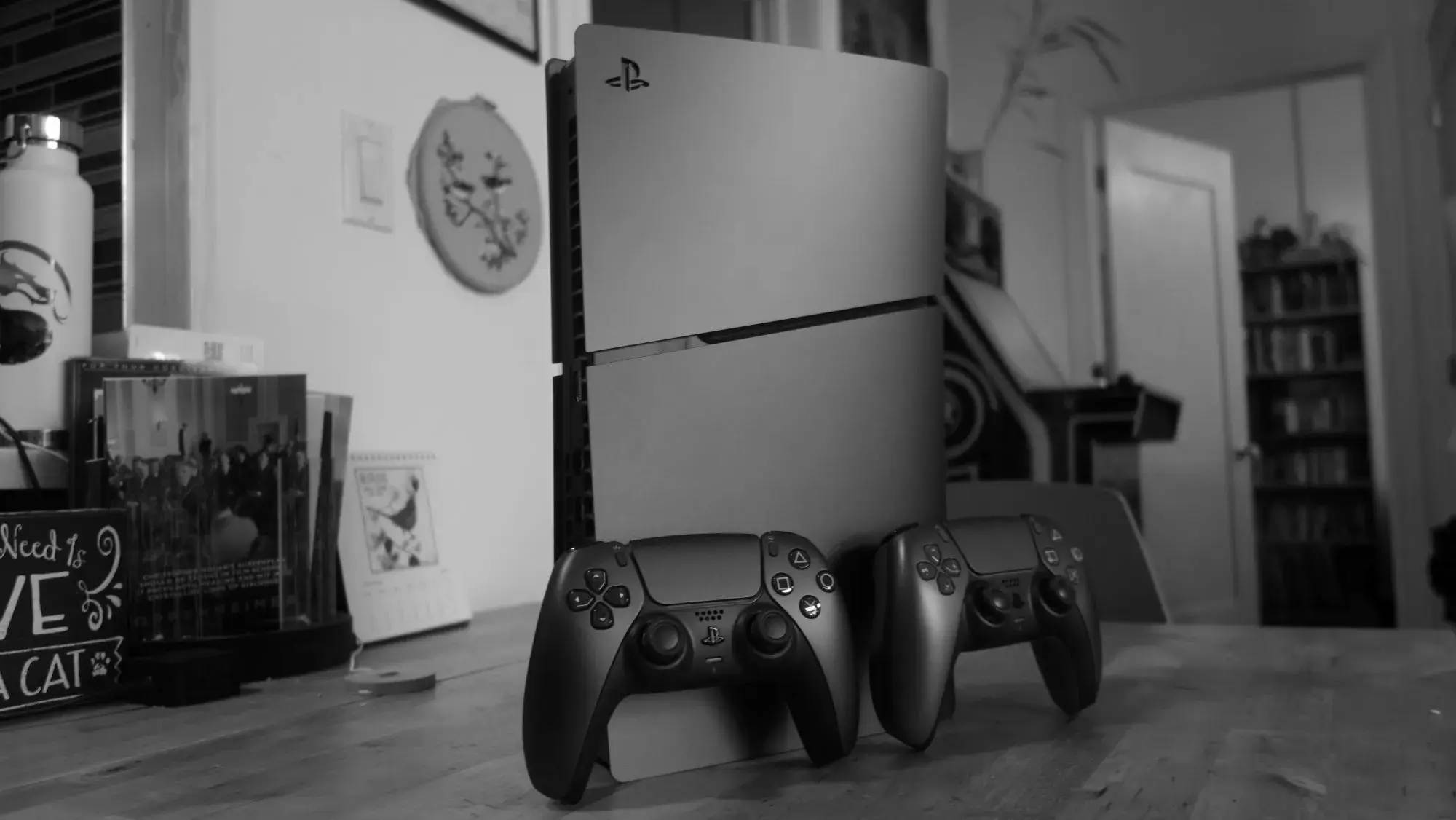
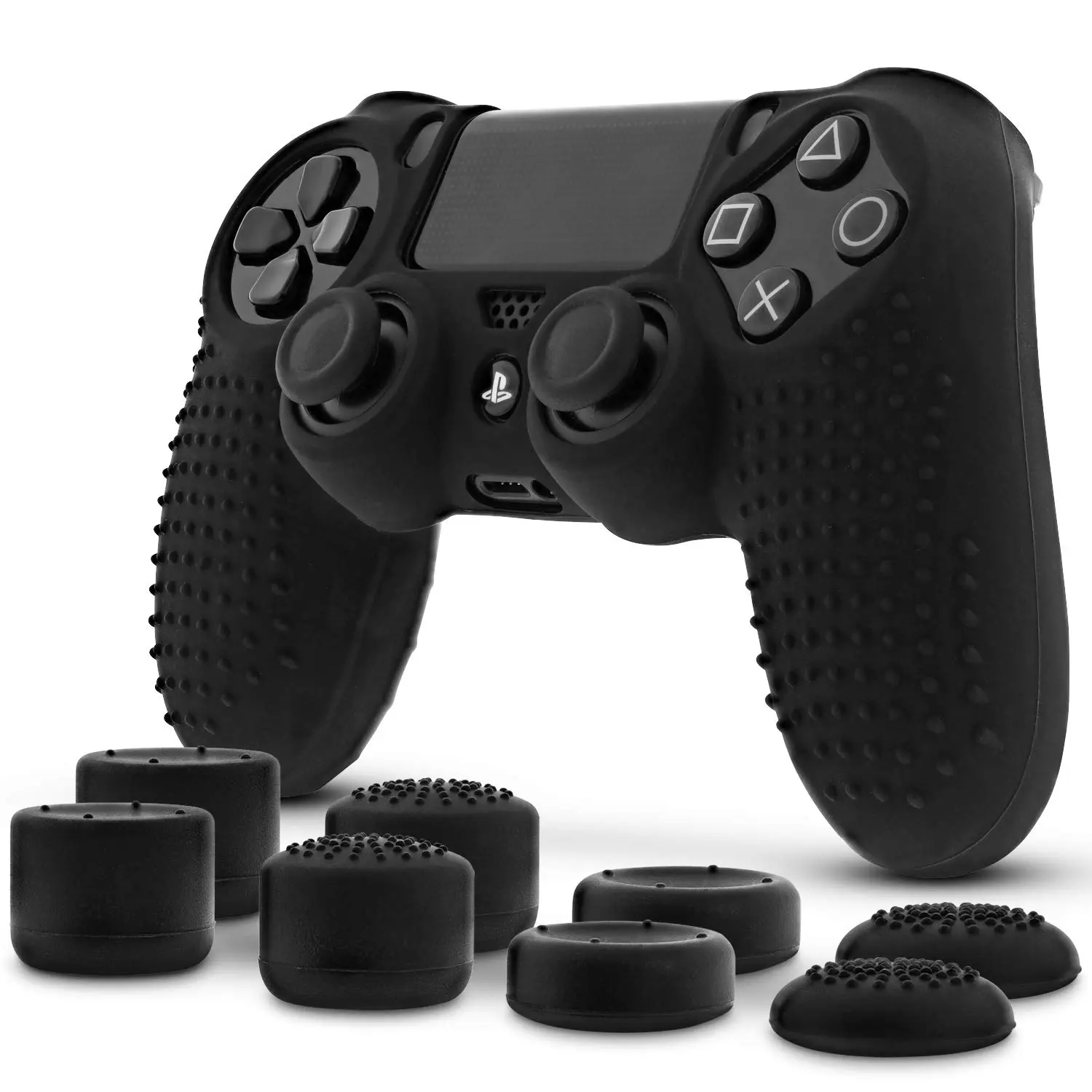
The Sony DualShock 4 is a well-known controller among gamers and is also a great option for Mac users. It’s compatible with macOS through Bluetooth, and its ergonomic design makes it comfortable for extended gaming sessions. The DualShock 4 offers precise control with its responsive analog sticks and triggers.
- Pros: Comfortable design, widely compatible, responsive controls.
- Cons: Battery life could be better.
Microsoft’s Xbox Wireless Controller is another excellent choice for Mac gaming. It offers a comfortable grip, responsive buttons, and compatibility with a wide range of games. The controller can connect to your Mac via Bluetooth, ensuring a seamless gaming experience.
- Pros: Comfortable grip, durable build, excellent compatibility.
- Cons: Requires AA batteries unless you purchase a rechargeable battery pack.
The 8BitDo Pro 2 is a retro-inspired controller that combines classic design with modern features. It’s compatible with macOS, and its customizable buttons allow for a personalized gaming experience. The Pro 2 connects via Bluetooth and includes a rechargeable battery for convenience.
- Pros: Customizable buttons, retro design, built-in rechargeable battery.
- Cons: Button layout may not suit everyone.
The Nintendo Switch Pro Controller is not only great for the Switch but also works well on a Mac. It offers a solid build quality, comfortable design, and excellent battery life. The Pro Controller connects via Bluetooth and is compatible with a wide array of games.
- Pros: Solid build, long battery life, comfortable for long sessions.
- Cons: Pricier than some other options.
When selecting a game controller for your Mac, consider the following factors:
- Compatibility: Ensure the controller is compatible with macOS. Check for official support or user reviews to confirm.
- Comfort: Look for a controller that feels comfortable in your hands, especially for long gaming sessions.
- Features: Consider additional features like customizable buttons or integrated touchpads that might enhance your gaming experience.
- Price: Controllers can vary widely in price, so choose one that fits your budget while meeting your needs.
In addition to a great controller, there are other accessories that can enhance your gaming experience on a Mac:
A high-quality mouse pad like the SteelSeries QcK can make a difference in precision and comfort. Available in both large and medium sizes, it provides a smooth surface for your mouse, improving accuracy and control during gameplay.
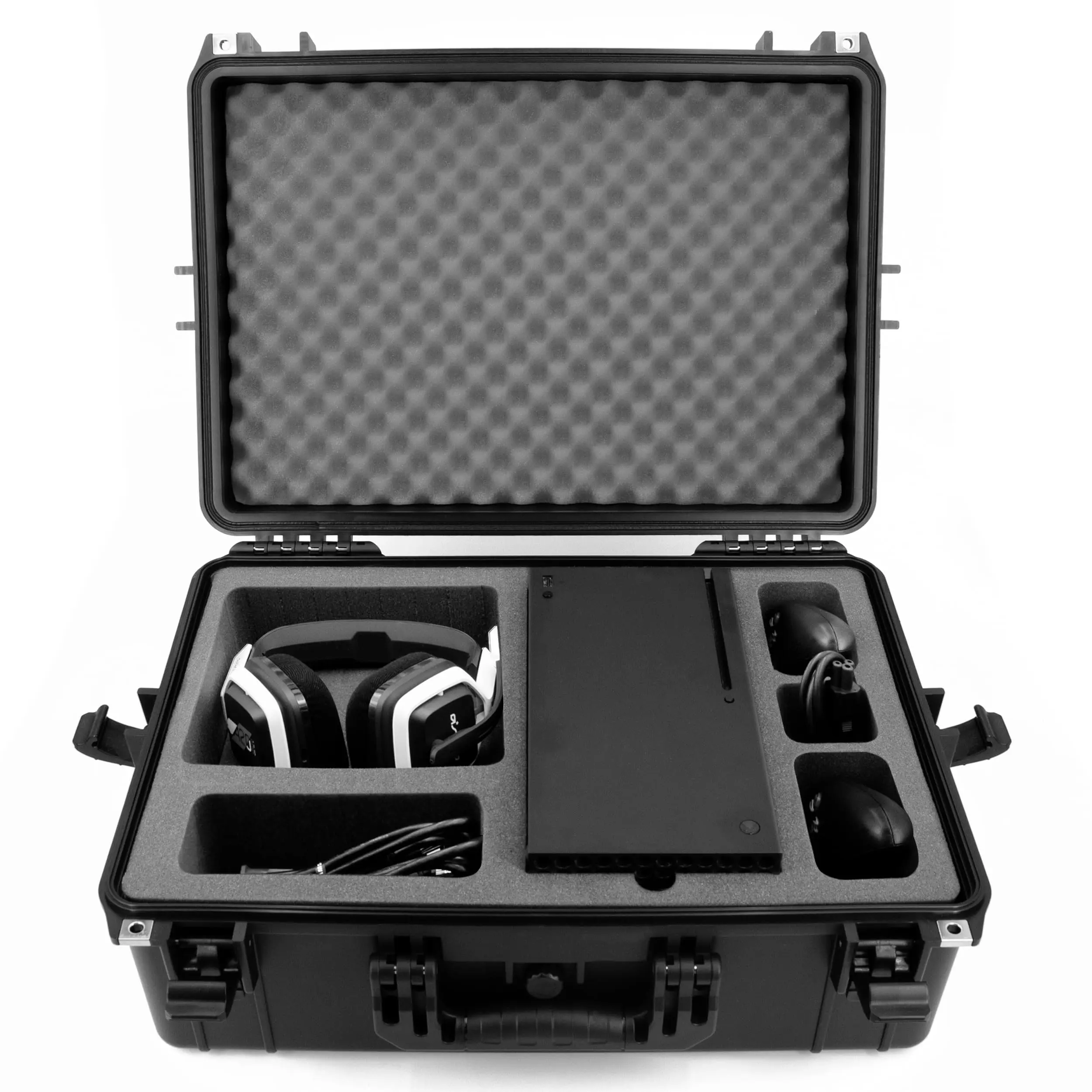
If you’re taking your gaming on the go, consider investing in a Hermitshell Hard Travel Case. It’s designed to protect your controller from damage while traveling, ensuring it stays in top condition wherever you go.
For those who enjoy mobile gaming on their iPhones, the Delam Mobile Game Controller offers a console-like experience. It’s compatible with a variety of games and provides additional controls for a more immersive experience.
Finding the best Mac game controller can significantly enhance your gaming experience, making it more enjoyable and immersive. Whether you prefer the advanced features of the SteelSeries Nimbus+ or the classic feel of the Sony DualShock 4, there’s a controller out there to meet your needs. Consider your preferences, budget, and gaming habits when choosing the perfect controller for your Mac setup. Happy gaming!